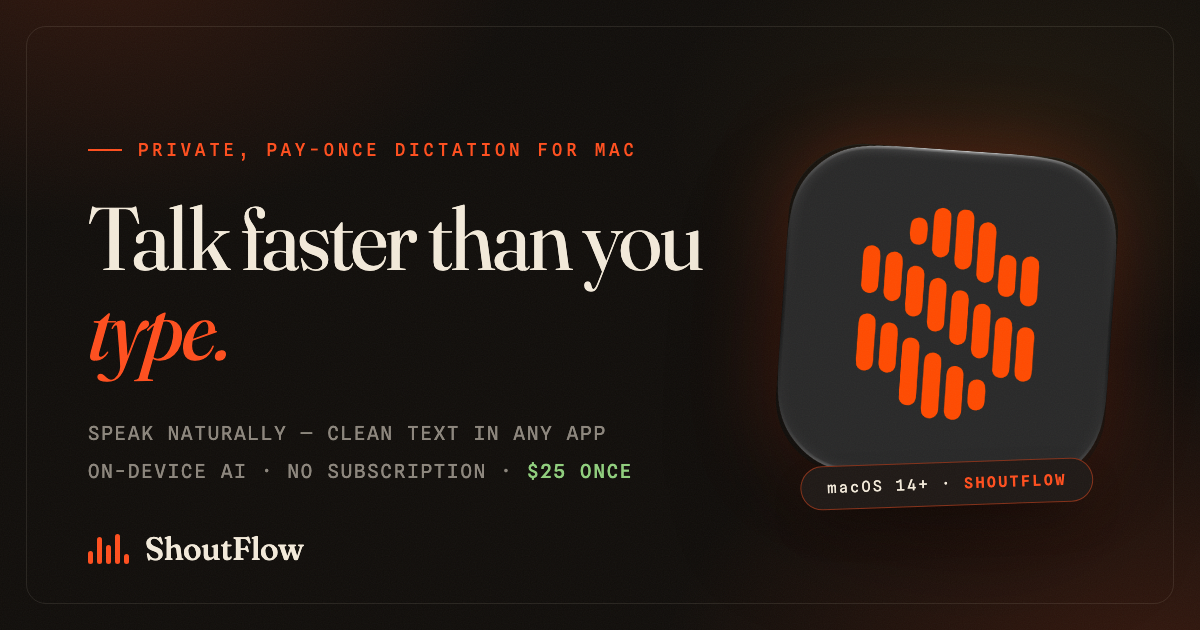
The new menu-bar app turns speech into clean, formatted text in any Mac application for a one-time $25. No subscription, with audio processed on the Mac itself.
LONDON, UNITED KINGDOM, August 8, 2026 /EINPresswire.com/ — Recurse LTD today announced the public launch of ShoutFlow, an AI dictation app for the Mac that
converts speech into clean, ready-to-send text in any application — for a one-time purchase of $25
rather than a monthly subscription.
Voice has quietly become one of the fastest ways to write: most people speak around three times
faster than they type. But the leading Mac dictation tools now charge $10–$15 every month and route
recordings through their own cloud servers. ShoutFlow was built on the opposite premise. It is a
one-off purchase, and by default it processes audio on the Mac itself, using speech models that run
locally on Apple Silicon — so in local mode, a user’s voice never leaves their computer.
ShoutFlow lives in the menu bar. Users press a hotkey, speak, and watch a live preview of their
words appear in a compact recording overlay that docks neatly around the MacBook notch or floats
anywhere on screen. When they stop, ShoutFlow transcribes the audio, strips filler words, fixes
punctuation and formatting, and inserts the finished text directly at the cursor — in Mail, Slack,
Safari, a code editor, or any other app.
“Dictation has drifted into fifteen-dollar monthly subscriptions that upload your voice to the
cloud,” said Lewis Cookson, founder of ShoutFlow. “ShoutFlow is the opposite: pay once, own it, and
your audio can stay on your Mac.”
Key features at launch:
– Works system-wide: dictate into any macOS application, with automatic insertion at the cursor
and clipboard fallback.
– On-device by default: transcription and text clean-up run locally on Apple Silicon; in local
mode, no audio is uploaded anywhere.
– Live preview: see words appear as you speak, in an overlay designed around the MacBook notch.
– Personalisation: a custom dictionary for names and jargon, reusable snippets, and per-app tones
so a Slack message reads differently from a formal email.
– Transcription history: every dictation is saved locally and can be copied again later.
– Optional bring-your-own-key cloud mode: users who prefer cloud models can connect their own
OpenAI, Google Gemini, OpenRouter, DeepSeek, Kimi, or xAI account. Keys are stored in the macOS
Keychain and audio goes directly from the Mac to the chosen provider — never through ShoutFlow’s
servers.
ShoutFlow costs $25 as a one-time purchase, and a single licence covers two Macs. There is no
subscription and no account required to try it: a seven-day free trial starts with one click and
asks for no card details. The app is a signed, notarized direct download from
https://shoutflow.ai and requires macOS 14 or later on an Apple Silicon Mac (M1 or newer).
The launch positions ShoutFlow against a market that has consolidated around subscription pricing.
Over three years, a $12-per-month dictation subscription costs more than seventeen times
ShoutFlow’s one-time price. For writers, developers, founders, and anyone who answers a large
volume of email, ShoutFlow aims to make speaking the default way to write on the Mac — without a
recurring bill and without shipping recordings to a third party.
ShoutFlow is available today at https://shoutflow.ai.
Lewis Cookson
Recurse LTD
email us here
Visit us on social media:
YouTube
X
Local Dictation for Mac, No Subscription: ShoutFlow Walkthrough
Legal Disclaimer:
EIN Presswire provides this news content “as is” without warranty of any kind. We do not accept any responsibility or liability
for the accuracy, content, images, videos, licenses, completeness, legality, or reliability of the information contained in this
article. If you have any complaints or copyright issues related to this article, kindly contact the author above.

Media gallery